en
en Italian
 German
 French
 Spanish
 Russian
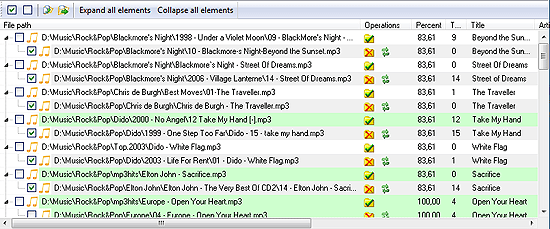
Music Duplicate Remover can find duplicate files in your music collection by ID3 tags, by parameters, or by sound. Once the duplicate list is properly sorted, and unimportant duplicates are marked for removal, you can delete duplicate files with a single click on the “Remove duplicates” button:

If the “Delete files to the Recycle bin” box is checked in the “Settings” menu, all duplicates will be deleted to the Recycle bin. The files will be stored there for some time, so you will be able to recover them if you change your mind. However, it is worth of mentioning that no disk space is freed up if you delete duplicates to the Recycle bin.
If you uncheck the above box, duplicates will be deleted permanently, with no recovery option.
Only files that are marked for removal (have a checkmark in the box on the left) will be deleted.