en
en Italian
 German
 French
 Spanish
 Russian
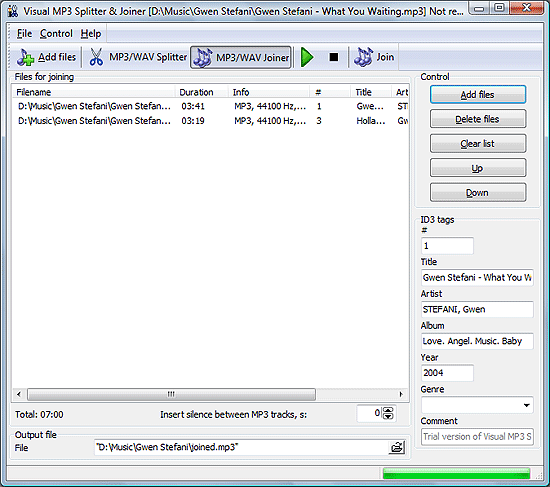
The second part of the program is MP3/WAV Joiner. We will study it right now. For splitter’s features please refer to earlier sections.
Visual MP3 Splitter & Joiner remembers the last mode it worked in. If it was splitter, you can switch to joiner by clicking “MP3/WAV Joiner” button.
So, let’s do it.

First thing that attracts our attention here is a large white field. It is meant for a list of files to join. No waveform is available, for obvious reasons. When joining, the program just unites two or more files together. If you want to join one file with only a part of another, you should prepare that part in the splitter first.
Now, you can simply add the MP3 or WAV files you want to join. Click “Add files” button, select one or more files in the standard “Open file” dialog, click “Open” button.
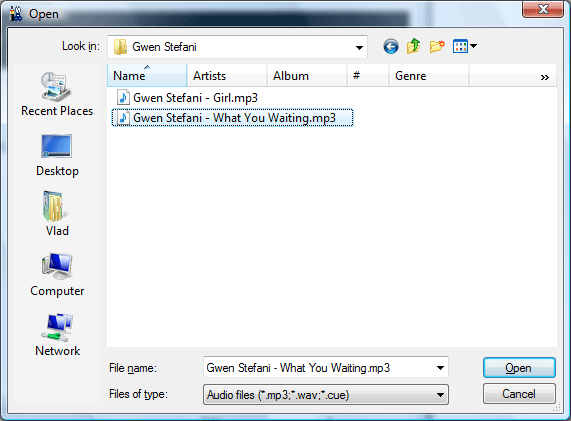
Note, that there are two “Add files” buttons in the joiner mode. It’s only for your convenience. They are of the same meaning, so it makes no difference whichever you use.
Before pressing “Join” button, you can make some preparations:
- edit ID3 tags for the output file;
- insert silence between your parts to keep them logically separated;
- change order of your parts to organize them for the large file;
- set output folder.
We will take a look at these features in the following sections. For now let’s just click “Join”.