 en
en Italian
 German
 French
 Spanish
 Russian
M4a is a file extension used to separate MP4 audio from MP4 video. M4a are usually non-protected audio files.
Free M4a to MP3 Converter is designed to convert M4a to MP3, as the name itself suggests. Alternatively you can convert M4a to WAV, which may be useful if you need to process the file further (for example, for audio editing or mixing). If you get an error when trying to convert M4a files, check if they have proper extensions (.m4a).
Drag and drop your M4a files from Windows Explorer and follow steps described in the “Quick Start” section. Actually, you can simply click the “Convert” button on the toolbar. However, you may also want to set a custom output folder, or fine tune MP3 parameters.
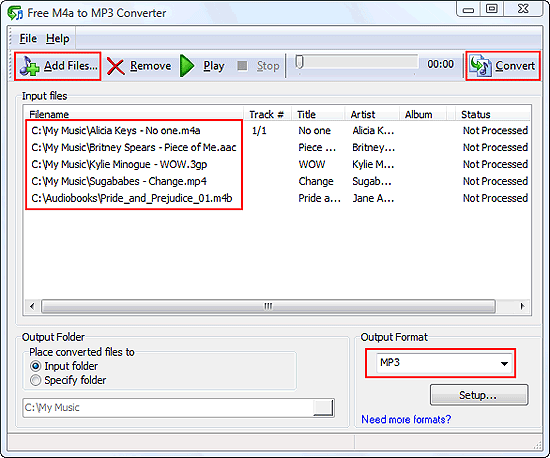
It is also possible to play M4a files before converting them, or just to use Free M4a to MP3 Converter as a simple and quick player.
You can let Free M4a to MP3 Converter scan a folder, and the program will add all supported files that it finds in the selected folder and its subfolders to its conversion list.


