en
en Italian
 German
 French
 Spanish
 Russian
Movienizer can play movies from your collection both in its built-in player and in your default video player. In order to be able to play the movie, the program needs to know where the video file of the particular movie is located. If the file (or DVD) is on a removable media, you should insert the media before trying to play the movie.
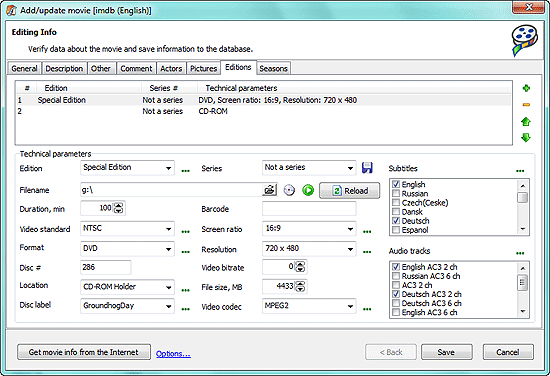
Movienizer automatically saves location of the file if you add a movie from DVD or from video file. Otherwise you can select your video file (or DVD folder) on the “Editions” tab of the “Edit info” dialog (see the “Filename” field).
To play your movie, select it and click “Play” on the toolbar. By default, movies are played with the built-in player. You can change this in the “Options” menu.
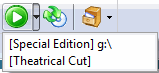
You can also choose which edition (or episode of a TV series) should be played by clicking the arrow near the “Play” button on the toolbar and selecting the edition: